
Flexible scheduling modes
Choose time-based, meter-based, or combined schedules, with fixed or floating timing for calendar-based PMs.
HarpethIQ / Healthcare CMMS
Built for Asset Management and Plant Maintenance. Plan complex PMs, oversee compliance, and keep technicians moving, online or offline.

Scheduled maintenance
Set the schedule, define which assets belong, and organize related work. Spend less time maintaining the maintenance plan.
Explore scheduled maintenanceChoose time-based, meter-based, or combined schedules, with fixed or floating timing for calendar-based PMs.
Pull matching assets into your procedures by asset type, model, attributes, or asset group.
Build routes and testing procedures, with results recorded for each asset.
Reduce redundant PMs with PM sets, and cover multiple assets on one work order.
Configuration by service line
Give clinical engineering and facilities the fields, layouts, and vocabulary they need. Your administrators configure the system around the work.
See what you can configureEquipment record / Clinical Engineering
Equipment record / Facilities Engineering
Compliance & reporting
Oversee critical work orders with built-in compliance reporting. Track completion against targets and find the gaps by procedure and month.
Explore reporting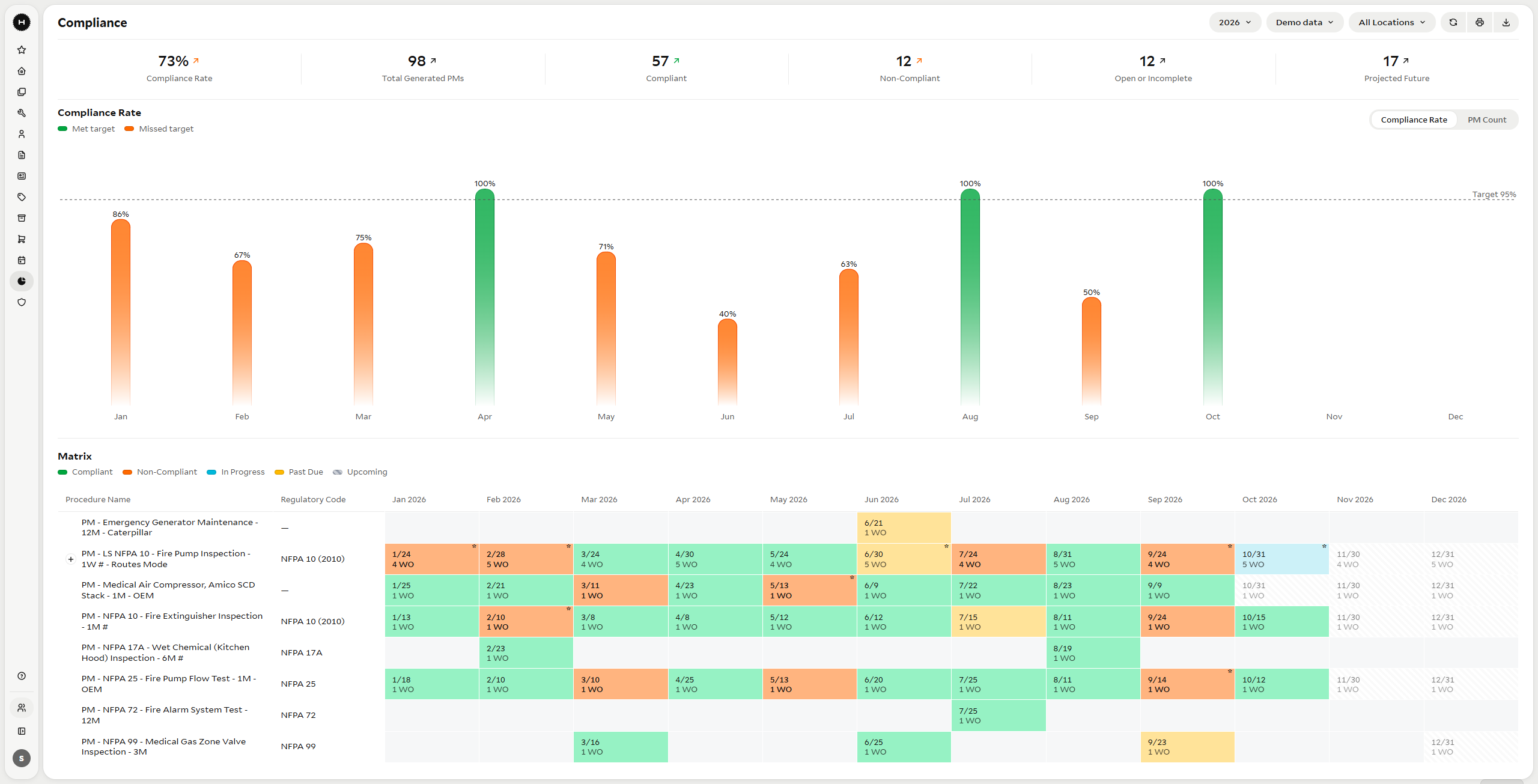
Describe it in plain English to build a report from your catalog. Save useful charts to a dashboard you arrange with drag and drop.
Mobile for technicians
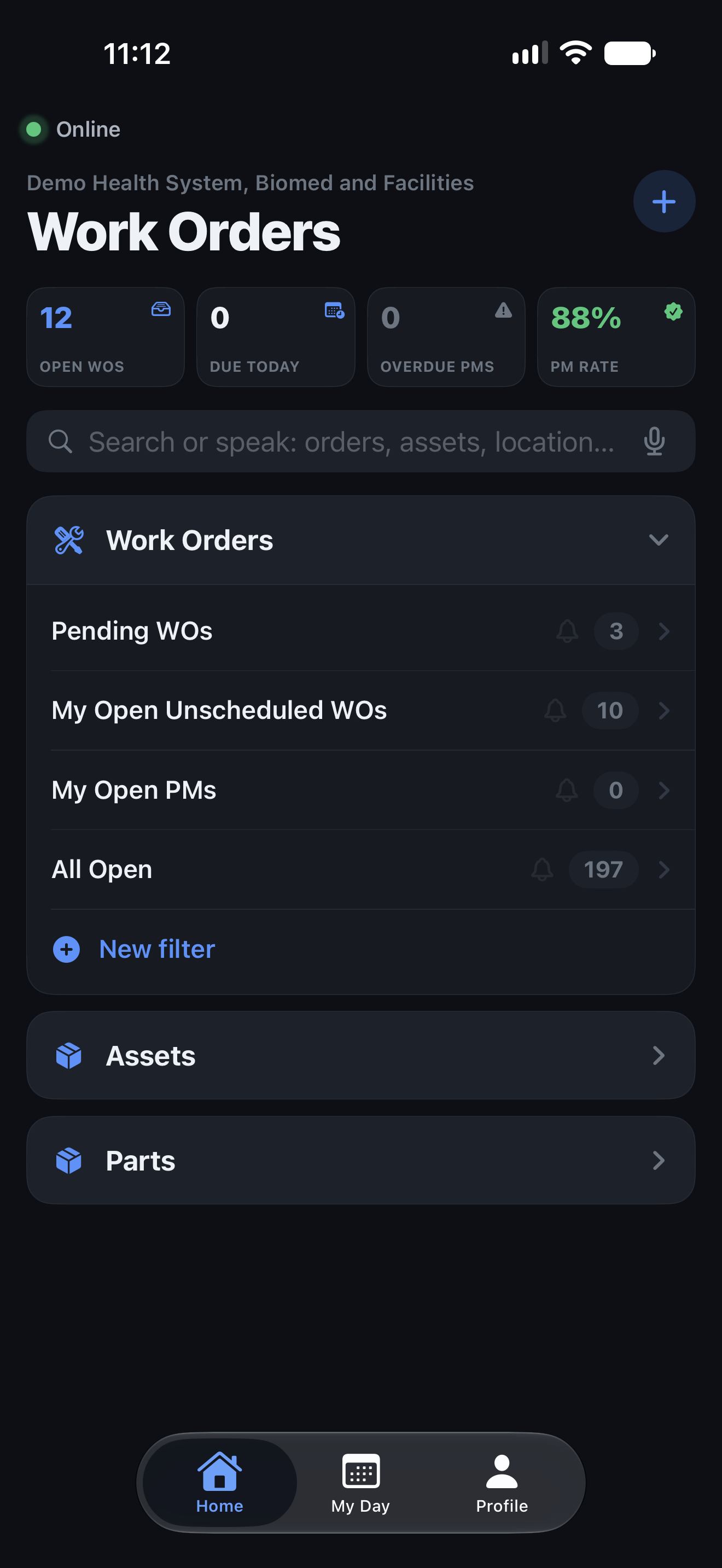
Put HarpethIQ in your team’s hands, wherever maintenance takes them.
Keep working without a connection. Your updates sync automatically when you’re back online.
Open a route work order and start Scan and Go. Mark each asset Pass or Fail as you go.
Get notified about work that needs your attention.
Designed for healthcare teams
Separate tenant databases form the core of HarpethIQ’s data isolation.
Audit trails retain who made a change and when. Access controls govern what people can see and do.
Walk through hosting, access, and your organization’s requirements with us.
Before we meet
Yes. HarpethIQ supports service lines within an organization, with configurable fields, layouts, and vocabulary. In the demo, we can walk through how each team’s work is organized.
Bring an overview of your current system and the records you need to move. We’ll discuss data mapping and migration scope with you before defining an implementation plan.
We’ll work through your service lines, equipment data, workflows, and reporting needs with you. The demo is a good place to discuss rollout, training, and support requirements for your team.
A walkthrough of the product, focused on your work orders, preventive maintenance, and reporting questions. You can bring a technician, a manager, or someone from IT. After your request, we’ll follow up by email to arrange a time.
See HarpethIQ with your team
We’ll walk through the product with your priorities in mind, from PMs and compliance routes to the technician’s working day.
Have a question first?
hello@harpethiq.com
The experience behind the product
Founded by experienced CMMS administrators and consultants who have supported hundreds of facilities and dozens of surveys, HarpethIQ reflects what managers need and how their teams work.